
The AI Security Browser Extension for AI Usage Monitoring and Control
As an enterprise AI security browser extension, Kovrr Browser Protect delivers full visibility and adaptive policy enforcement across every AI browsing workflow at the point of use. Built to the highest privacy standards, Kovrr keeps employee data local and sends only categorical signals to the management console, ensuring a secure path for widespread AI adoption without exposing sensitive data or hindering productivity.
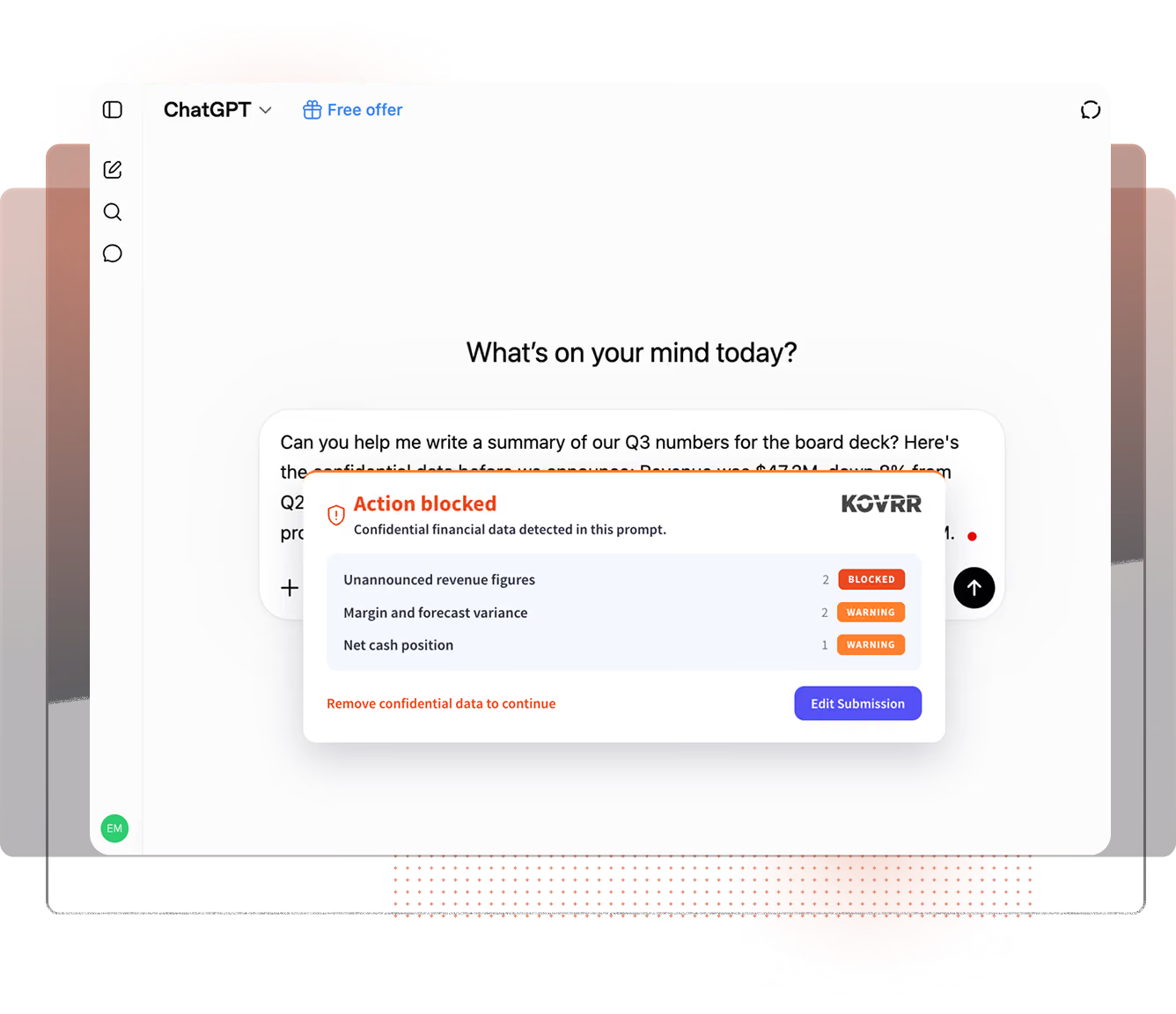


Where AI Risk Meets Real-Time Control
An AI Security Browser Extension for Sustainable AI Adoption
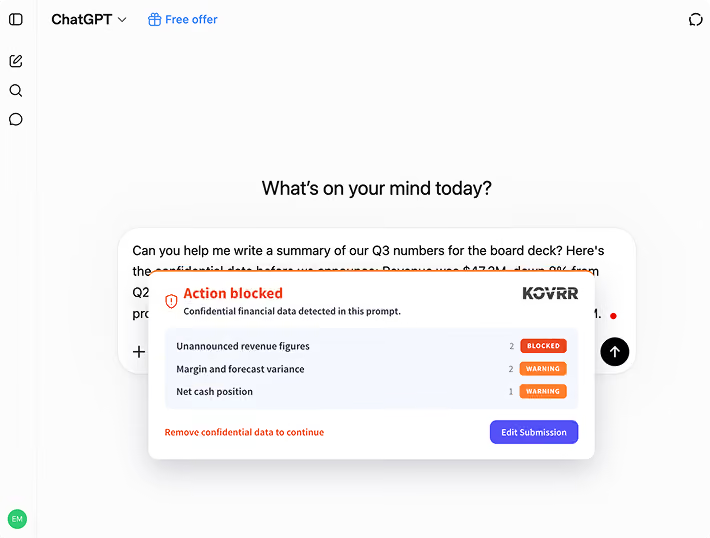
Kovrr Browser Protect operates across a flexible enablement spectrum. Instead of rigid AI access controls, the extension delivers real-time contextual policy enforcement, allowing employees to provide a business justification and proceed without interrupting productivity. Because these guardrails connect directly to the AI catalog, policies recalibrate automatically as new apps emerge, ensuring secure AI adoption scales seamlessly across the enterprise.
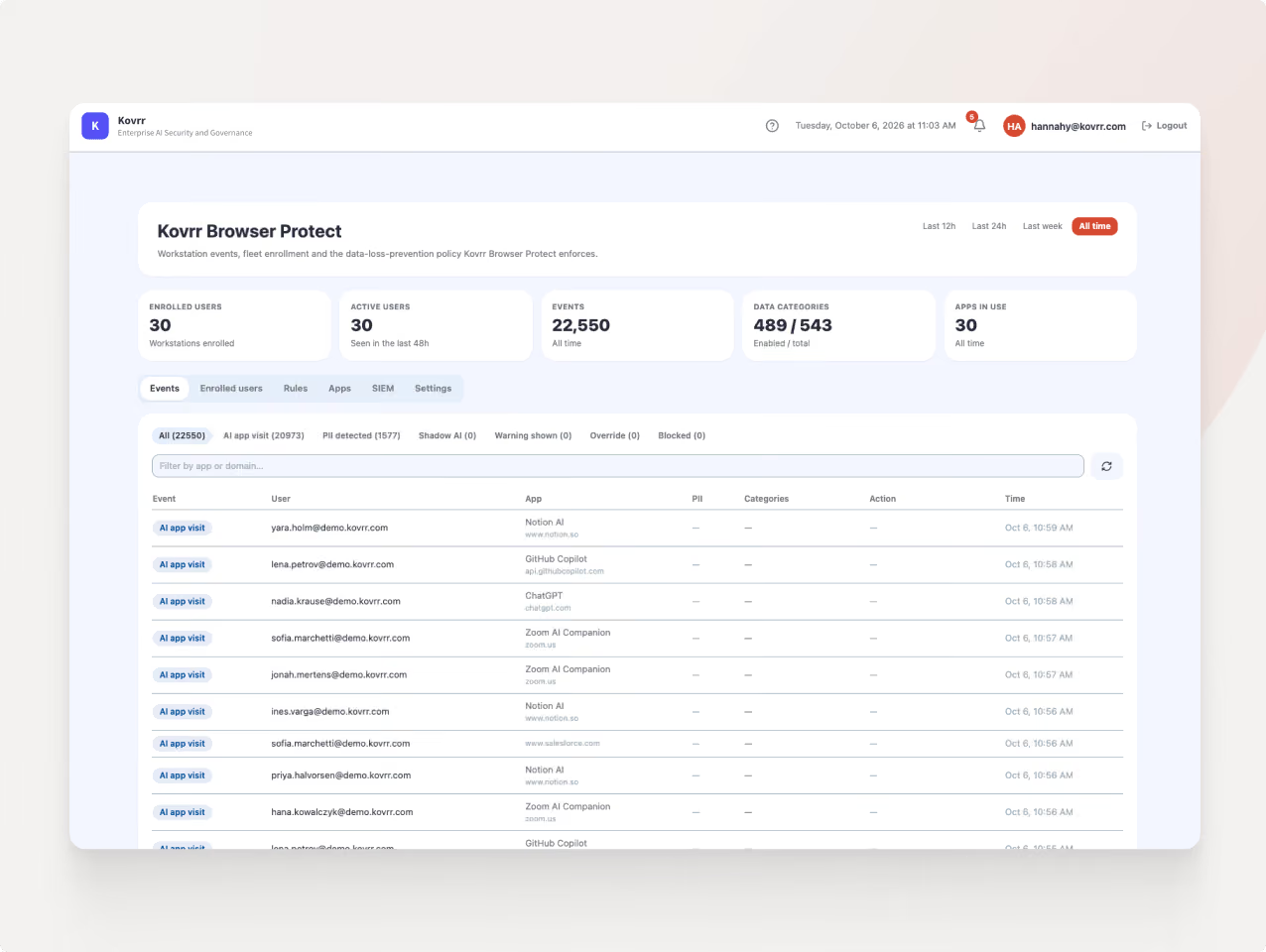
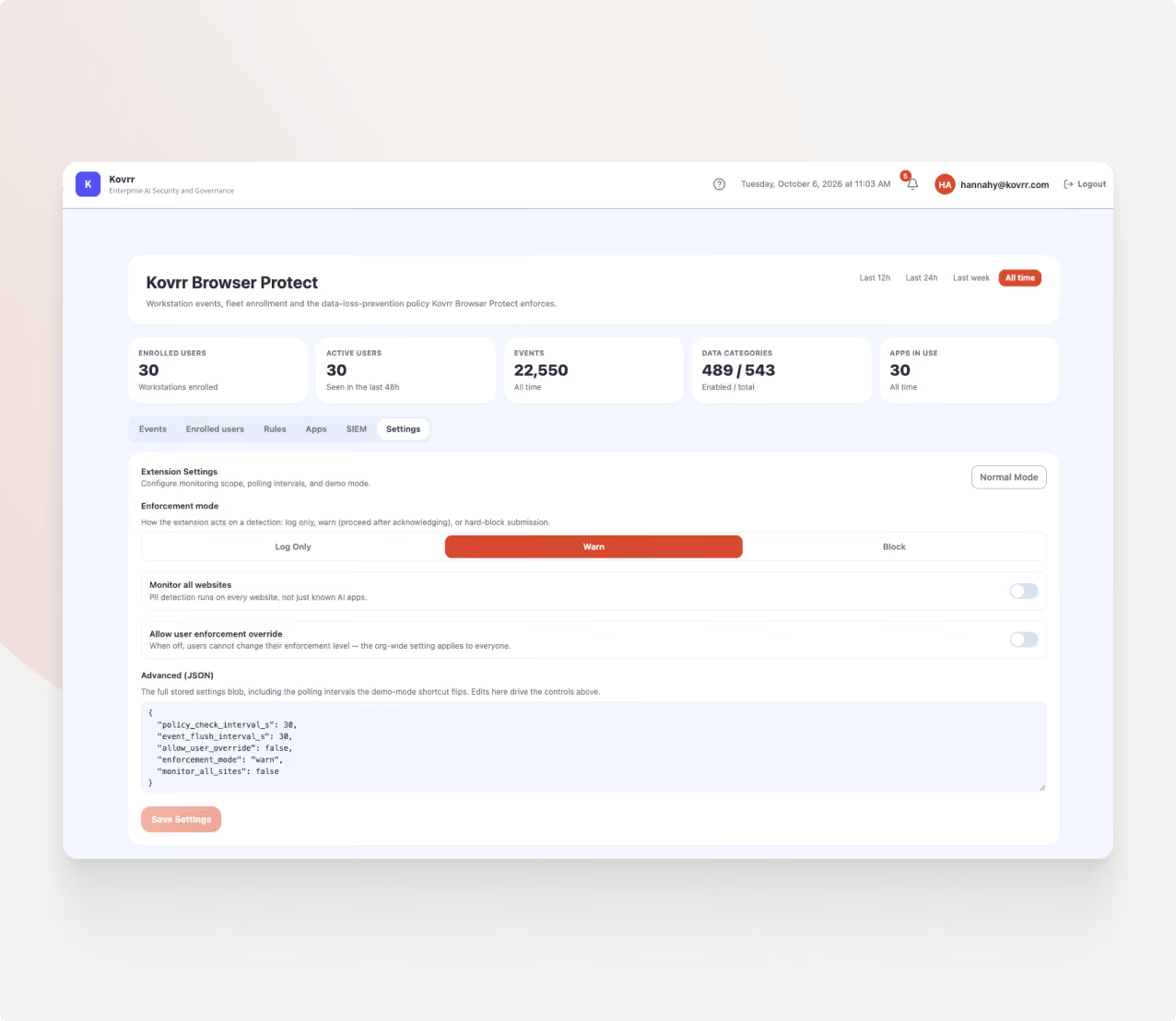
Privacy Engineered at the Architecture Layer
Kovrr’s AI security browser extension eliminates the user friction that stalls enterprise AI adoption by explicitly separating threat detection from employee surveillance.
Local Detection: Content is analyzed inside the browser, where detection runs against the policy and only categorical flags reach the platform.
No Data Retention: Prompts, messages, and submissions stay on the user's device, never transmitted or stored by Kovrr.
Transparent Governance: Employees see exactly what was flagged, maintaining trust and eliminating user resistance.
Privacy-First Telemetry: Security teams receive precise risk signals without ever touching sensitive corporate data.
Localized Auditing: When needed, detailed event data can be stored locally on the device for incident response.
Extension Oversight: Every AI-powered browser extension across the workforce is surfaced with its permissions and risk score.
Kovrr Browser Protect respects employee data privacy and gives security teams the signals they need to secure and govern AI effectively.
Set Data Sharing Policy by Role and Data Category
Policy combines who is sharing with what is being shared. Kovrr enforces restrictions by team, department, and role against hundreds of data categories, so finance can submit revenue figures while other departments cannot.
Role-based scope: Policies apply by team, department, and role, allowing approved AI use for some groups while restricting others on the same tool.
Regulatory profiles: Pre-built detection profiles map to regulatory and regional requirements, turning on the right data categories without manual rule building.
Graduated enforcement: Each data category carries its own action and severity, from warning through redaction to a full block.
Restrictions travel with the employee rather than the tool, so policy holds as new AI applications appear.
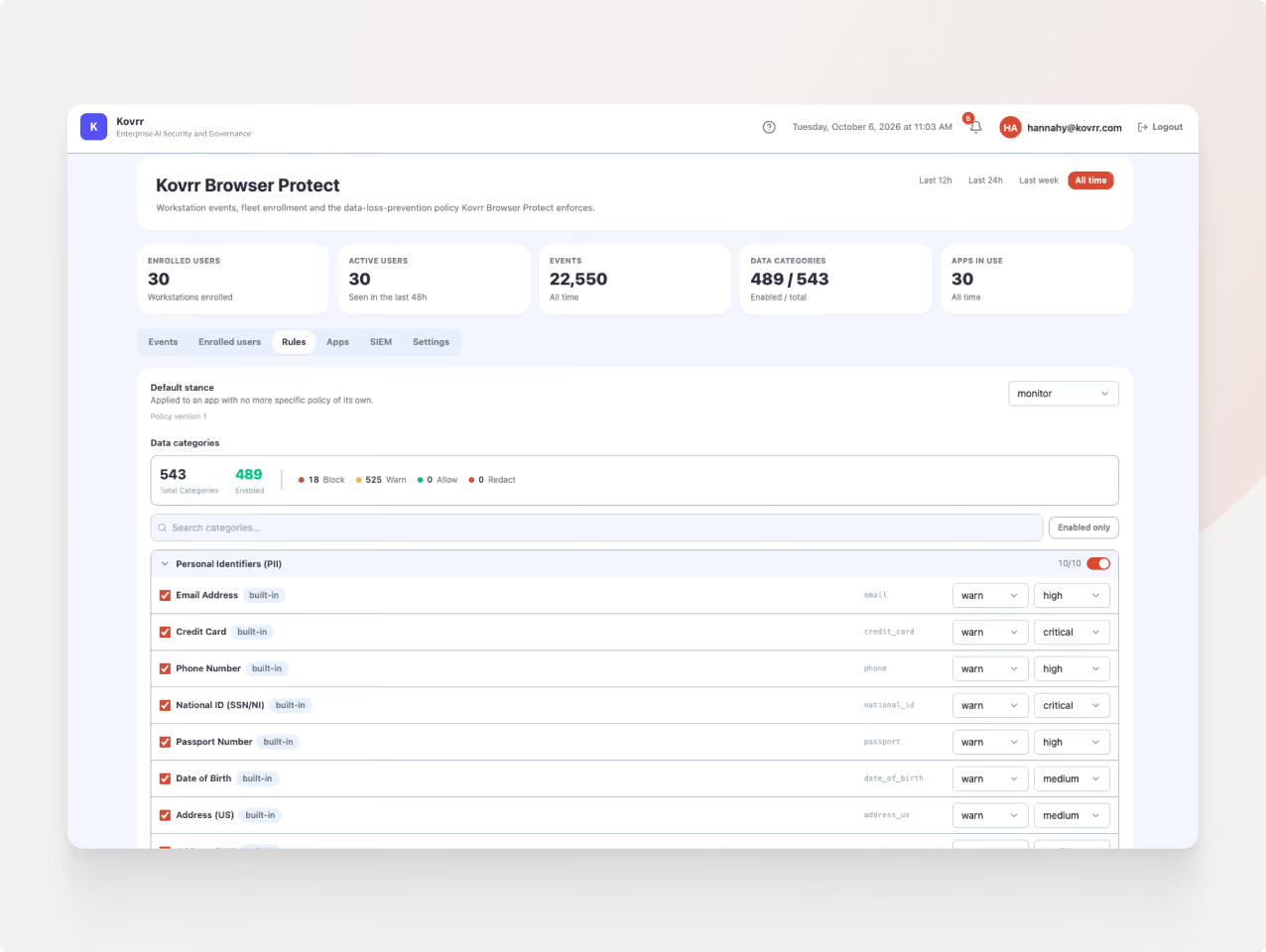


Every Signal Informs Every Decision
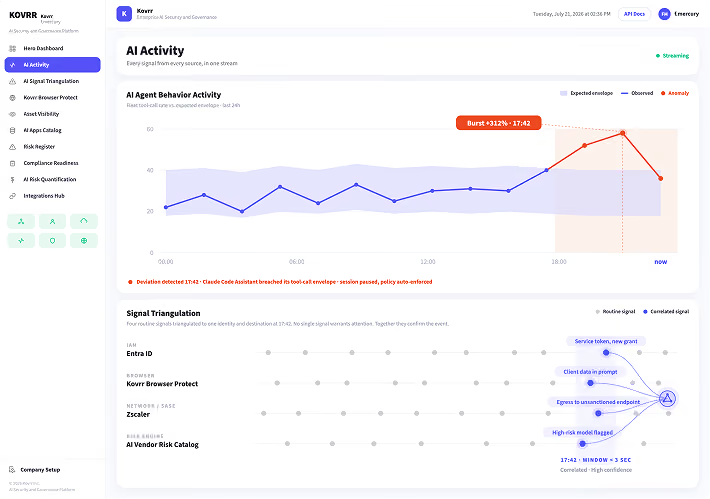
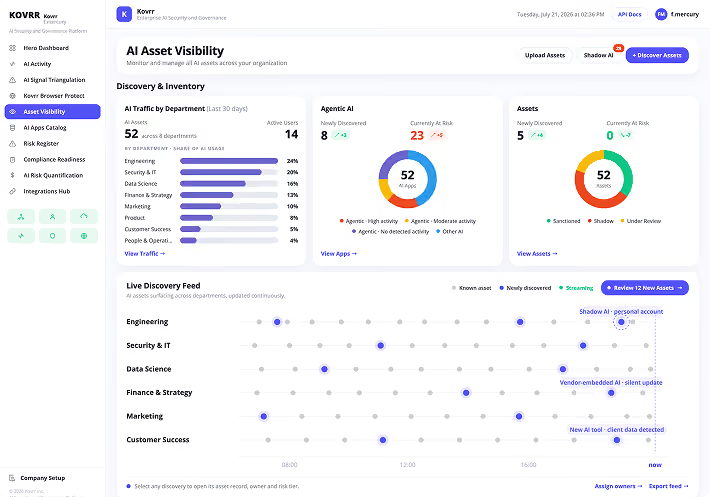
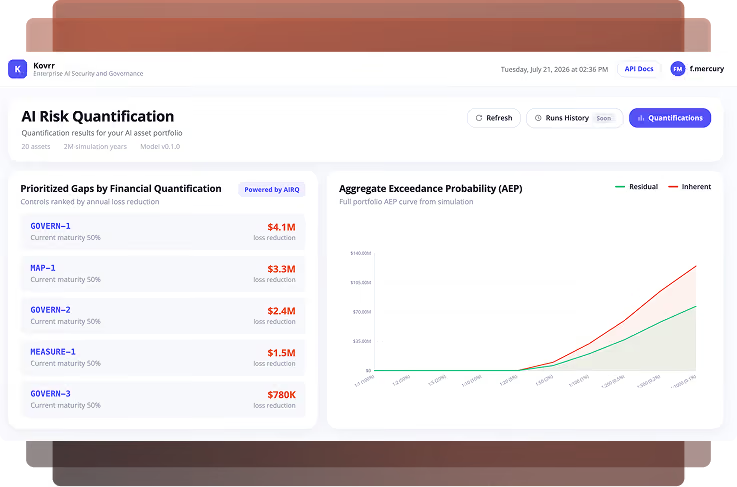
Signals are only useful if they trigger action. Kovrr Browser Protect feeds every browser event directly into the platform, instantly updating risk scores, adapting policies, and synchronizing your AI asset inventory enterprise-wide. Security teams govern. Employees keep moving.

Engineered for Enterprise Deployment
AI Security Browser Extension FAQs
Take Control of AI UsageWhat makes an AI security browser extension different from a full enterprise browser replacement?

What browsers and devices does the AI access control browser extension support?
How does Kovrr Browser Protect identify sensitive data without false positives from black-box AI models?
How does the extension handle AI access control for different teams and risk levels?
How does the AI security browser extension connect to the rest of the Kovrr platform?
How does Kovrr Browser Protect compare to other AI browser security tools?
Can the AI security browser extension differentiate between corporate and personal accounts on AI tools?
How does Kovrr Browser Protect detect sensitive data without capturing prompts?
