Build Quantified Cyber Risk Reports for Any Audience
Kovrr’s Reports Hub turns quantified cyber risk into presentation-ready reports built for whoever needs to act on them. Start from a template shaped around a specific purpose, whether that is a board summary, a regulatory submission, or a control improvement plan, then shape it further with a full library of charts drawn live from the entity’s quantification. Every figure ties back to the model, and the finished report exports in a click.
Start From a Template Built for the Job
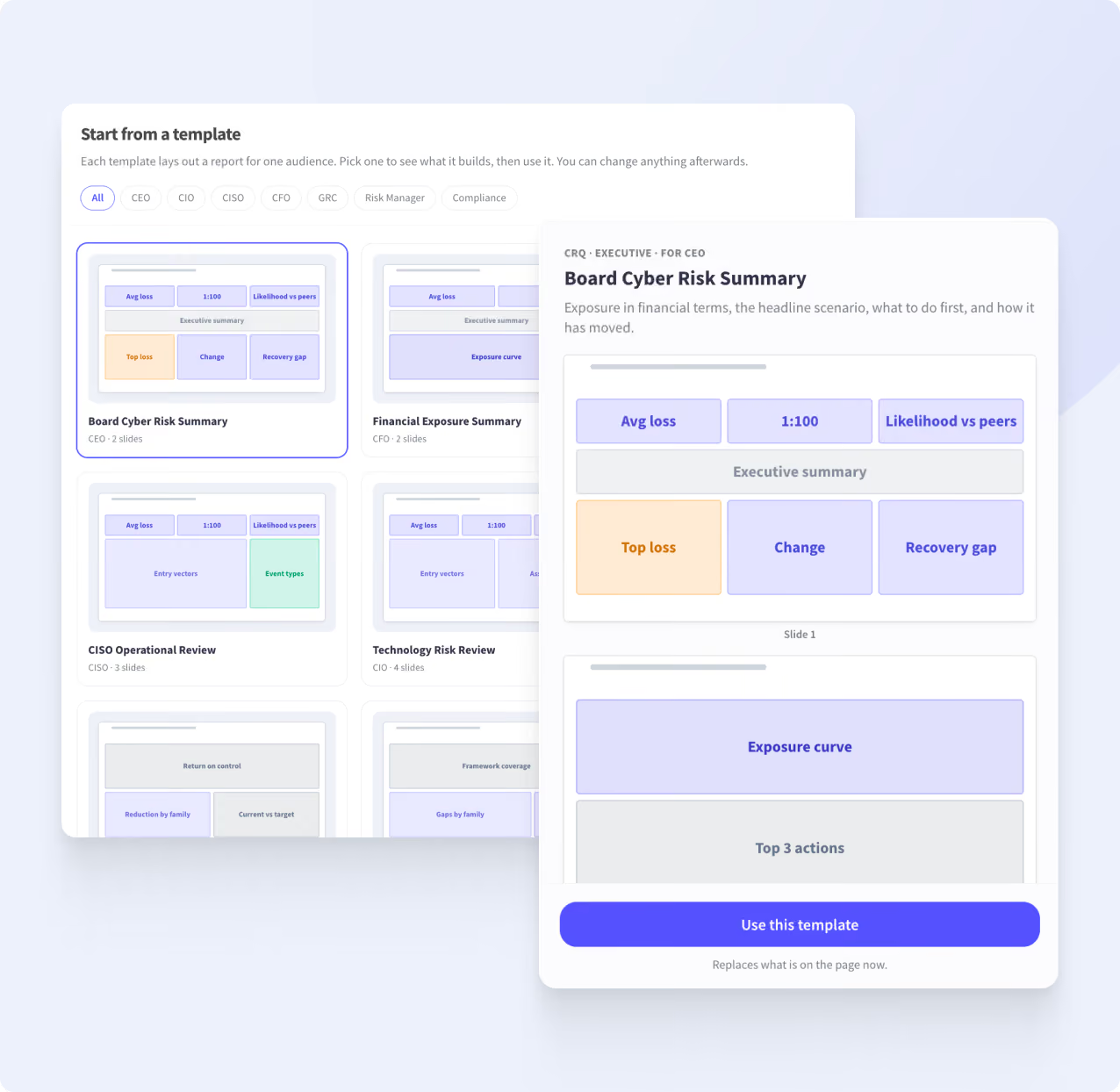
Each template lays out a complete report for a specific purpose. Filter by role or browse the full set, preview the structure, then use it as a starting point.
Board Cyber Risk Summary and Financial Exposure Summary for leadership and finance
CISO Operational Review and Technology Risk Review for security and IT program reviews
DORA Operational Resilience for regulatory reporting
Control Improvement Plan and Governance & Control Review for maturity and remediation planning
Third-Party Risk Review, Risk Register Review, and Peer Comparison for targeted analysis
Access control and enforcement hold when the decision runs on the requester, the tool, and the data.
A Library of Charts, Drawn Live From the Model
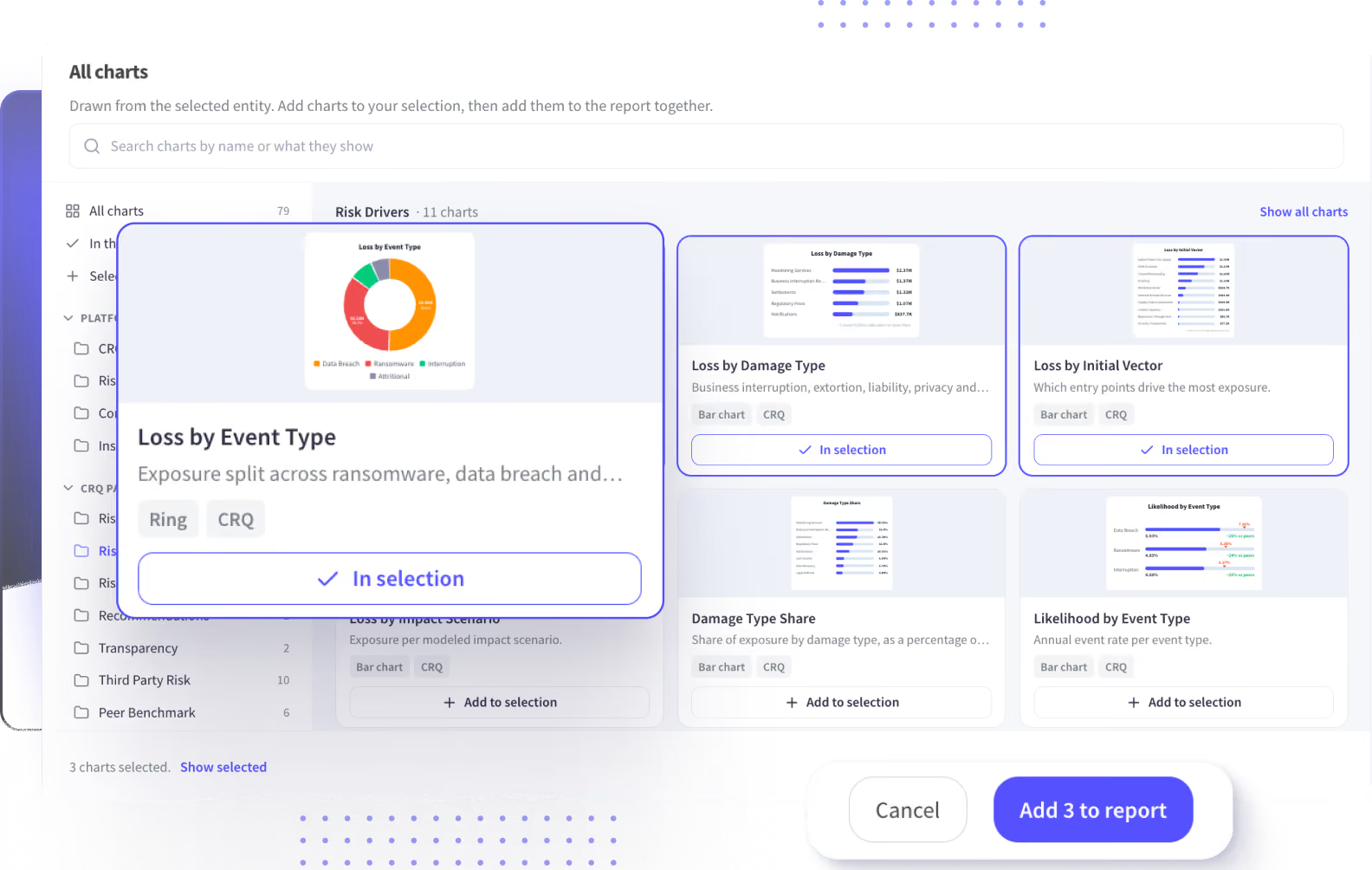
Pick the entity and quantification, and every chart pulls from that run.
Search by name or by what a chart shows
Filter by platform area or by where the chart comes from
Select several at once and add them to the report together
Charts span CRQ, Risk Register, Control Monitoring, and Insurance
Coverage includes risk evaluation, risk drivers, recommendations, third-party risk, and peer benchmarks


Stop rebuilding the same report every quarter. One build, refreshed every cycle.

Presentation-Ready by Default
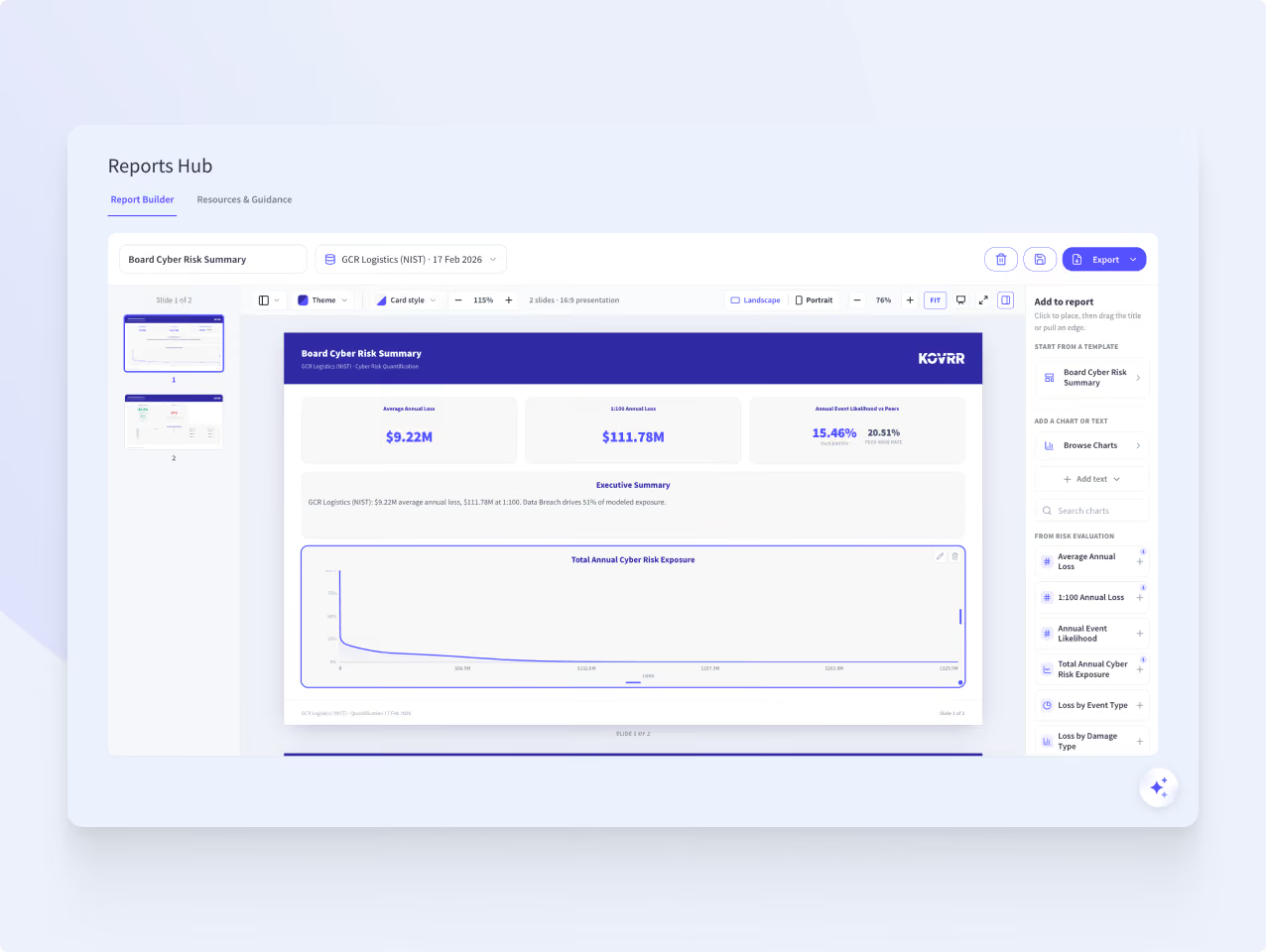
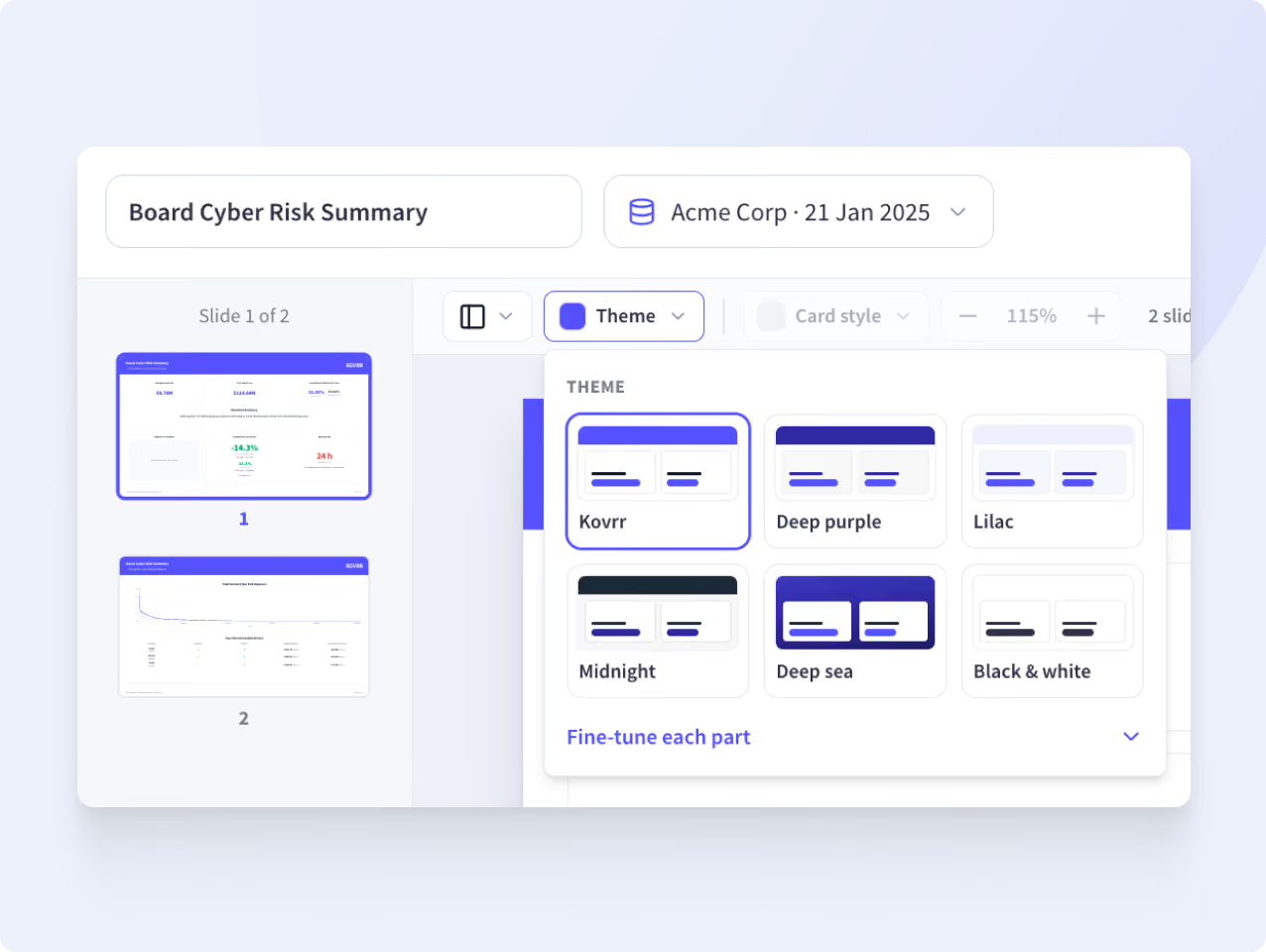
Reports are built as 16:9 slides, ready to present as they are. Choose landscape or portrait, apply a theme across the whole deck, and fine-tune individual elements when a specific look is needed. Several themes come built in, and reports can carry your own branding, so what reaches the boardroom looks like it came from your team.
One Click to a Shareable Report
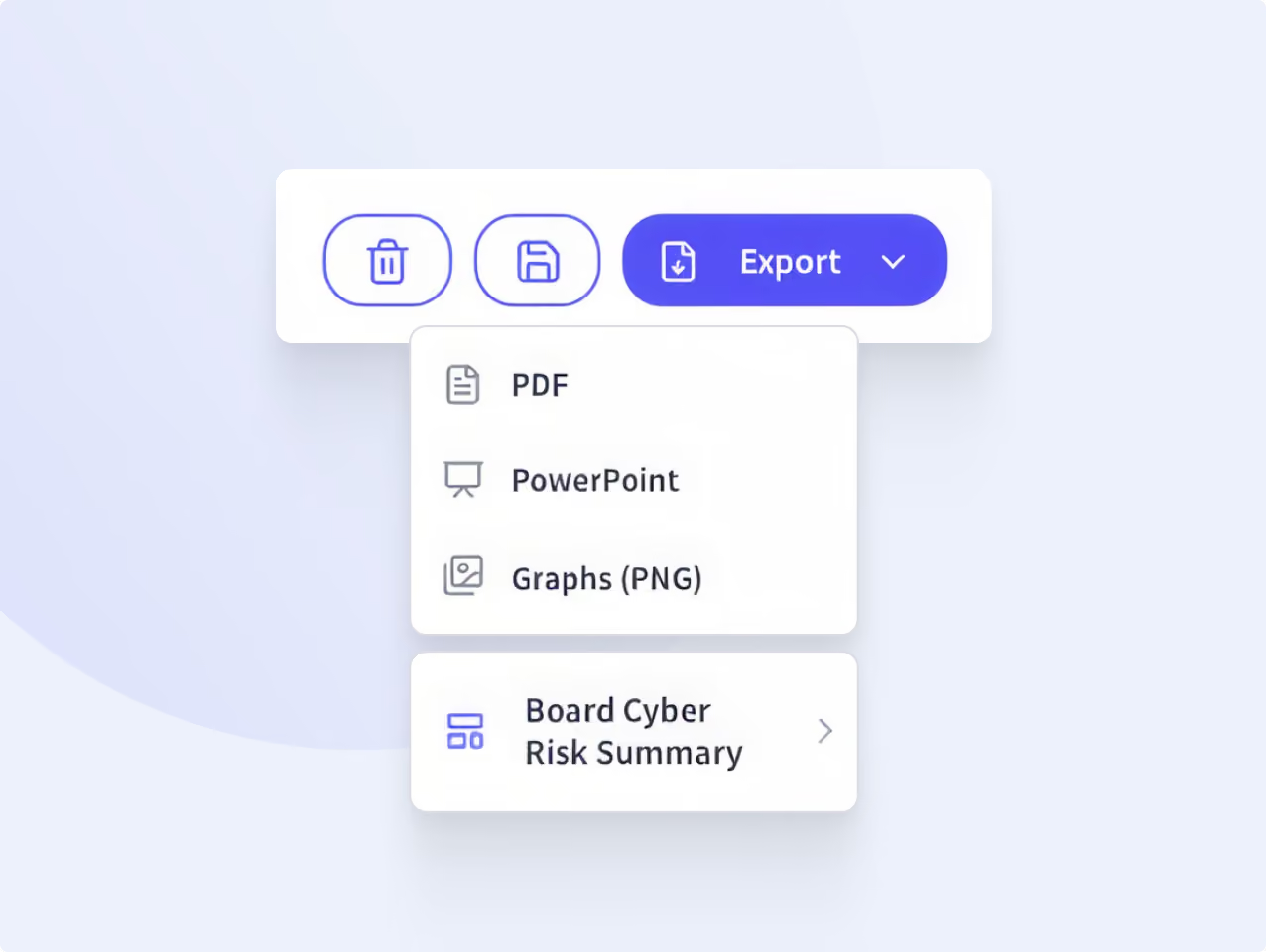
A finished report exports as a PDF for sending, as PowerPoint for presenting and editing, or as individual graphs when a single chart needs to go somewhere else. Every figure traces back to the quantification behind it, so the numbers hold up when someone asks where they came from.
Who the Reports Hub Is Built For
Reports Hub FAQs
Start Building My ReportsWhat is a cyber risk report?

How do you build a cyber risk report for the board?
Can cyber risk reports be exported to PowerPoint?
What charts are available in the Reports Hub?
How often should cyber risk reports be updated?
